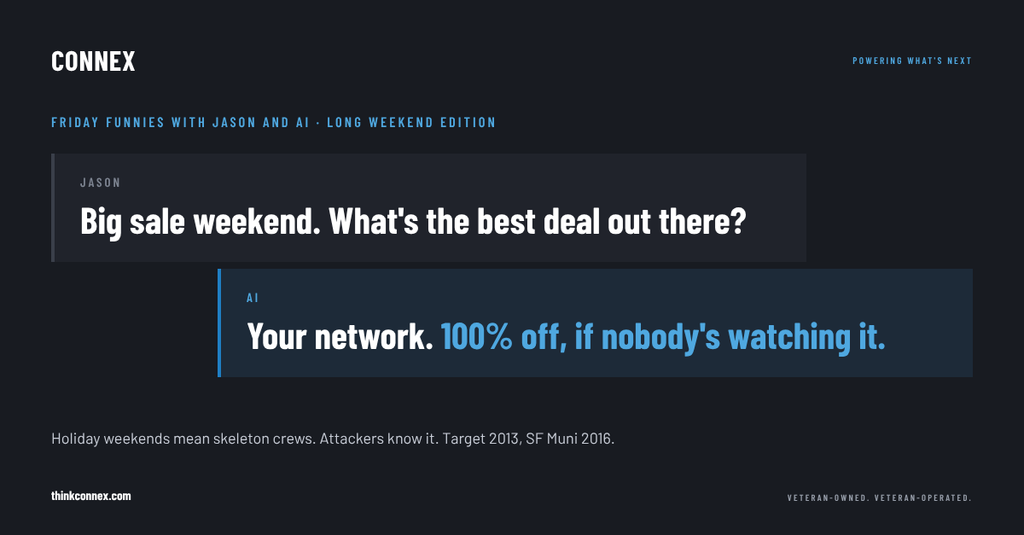
This Friday’s joke has a serious side. Holiday weekend cyber attacks follow a pattern: IT runs on a skeleton crew, inboxes fill with deal and shipping emails, and alerts sit unread until Monday. American Thanksgiving weekend has a long track record. In the days before Thanksgiving 2013, attackers installed malware on Target’s payment systems. By the time it was cleaned up in mid-December, 40 million card numbers and up to 70 million customer records had been exposed. Over Thanksgiving weekend 2016, ransomware hit San Francisco’s Muni transit agency. The agency said about 900 office computers were affected, fare machines were switched off, and riders went free while staff rebuilt.
In Canada it’s a normal working weekend, but the risk crosses the border. US suppliers and partners are thin on staff, Black Friday and Cyber Monday phishing lands in every inbox, and this year Cyber Monday falls on November 30, which is also Computer Security Day. That day was started in 1988, a few weeks after the Morris worm took down about a tenth of the early internet.
Holiday weekend cyber attacks: three things to check
- Who gets the alert at 2 a.m. on a Saturday? Monitoring that only gets looked at during business hours leaves a gap every weekend. Name the person, the backup, and how they get reached.
- Are the patches done before people leave? The Muni attacker reportedly got in through a known, unpatched flaw in a server application. Clear the patch backlog and check remote access before the long weekend, not after.
- Can your team spot a fake deal or shipping notice? Holiday phishing copies real retailers and couriers. A short refresher before the weekend costs less than one bad click. Our SLAM checklist is a good place to start.
How Connex Security works
We design the protection around your business: endpoint protection, patching, alerting with a clear escalation path for evenings and weekends, and staff awareness training. Then you choose who runs it: your own team, your current IT provider, or us. Either way, there’s a plan for who’s watching when the office is empty.
What it takes
A short review of what you have today: what’s protected, what’s patched, who gets alerts and when. From there you get a plan sized to your business, with phishing awareness training and simulations as an add-on.
What to do next
See Security for small business and Phishing Awareness and Simulation, or book a Let’s Talk I.T. call and we’ll work out who’s watching your network on the next long weekend.